
QCY VN200 Pro Gaming Headset


QCY VN200 Pro Gaming Headset
SPECIFIKATIONER
Aktiv støjreduktion: Nej
Mærke: QCY
Kategori: Øretelefoner & hovedtelefoner
Certificering: CE, RoHS
Forbindelse: Kablet
Stiktype: USB
Kontrolknap: Ja
Driverdiameter: 40 mm
Funktioner: Med mikrofon
Anvendelse: Til internetcafé, videospil, almindelig brug
Særligt problematiske kemikalier: Ingen
Kabellængde: 2,2 m
Materiale: PC (polycarbonat)
NFC-teknologi: Nej
Oprindelse: Fastlands-Kina
Pakkens indhold: Brugermanual
Stil: Kablede hovedtelefoner / headset
Lydprincip: Dynamisk
Lydstyrkekontrol: Ja
Med mikrofon: Ja
UK
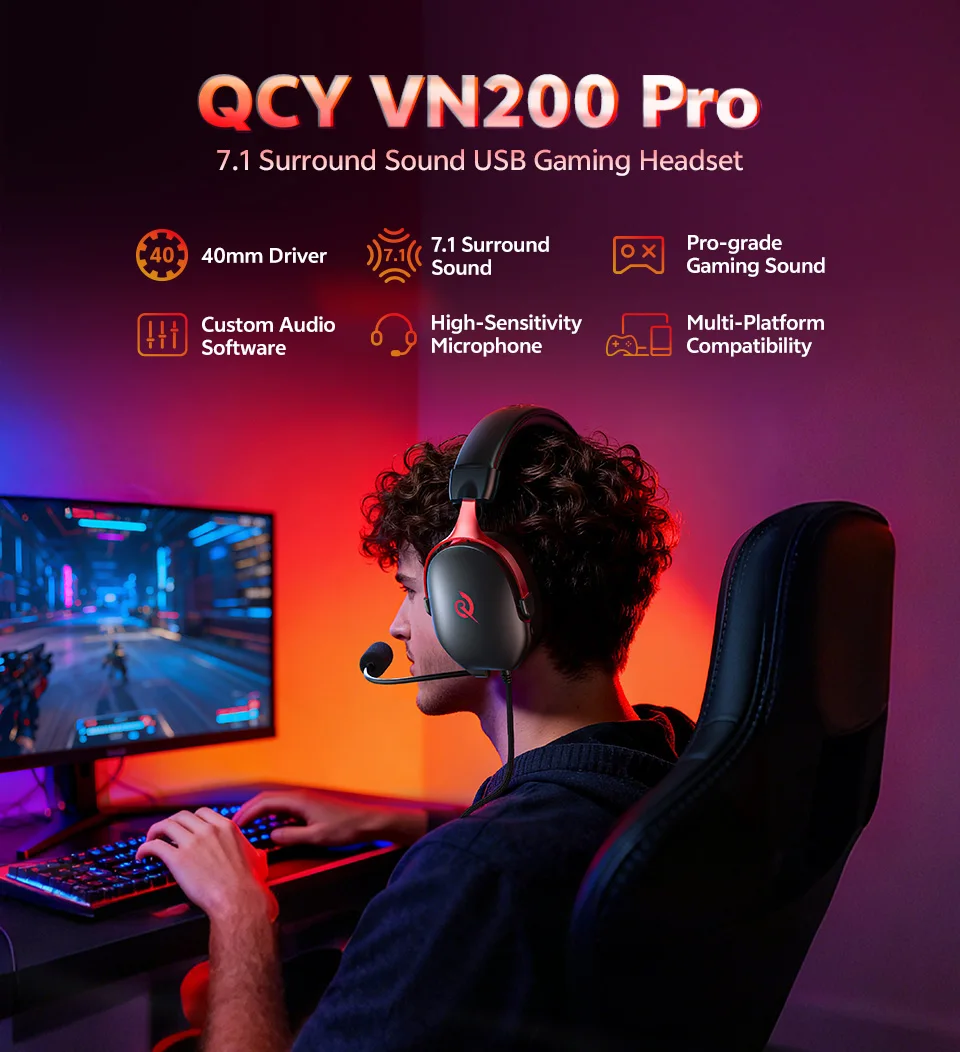 Function:
- 40mm Neodymium Drivers;
- 7.1 Surround Sound;
- Pro-grade Tuning Sound;
- Custom Audio Software, 11 EQ Options;
- High-Sensitivity Microphone;
- Multi-Platform Compatibility;
- Ergonomic Design for All-Day Comfort;
- High-sensitivity Microphonemic.
Q: How to install the driver?
A: Please visit the QCY Official website -- find "Support Center"-- "Product Support" --"Heroad" -- find "VN200 Pro", then click Documents & Drivers, and download "VN200 Pro PC Driver". (compatible with Windows 10/11 operating systems but only supported on Windows systems). Follow the installation guide to complete installation and unlock all functions.
40mm Neodymium Drivers
Hear Every Details
Experience a broader frequency range with powerful 40mm neodymium drivers, that delivering deeper bass, sharper highs, and rich audio details. 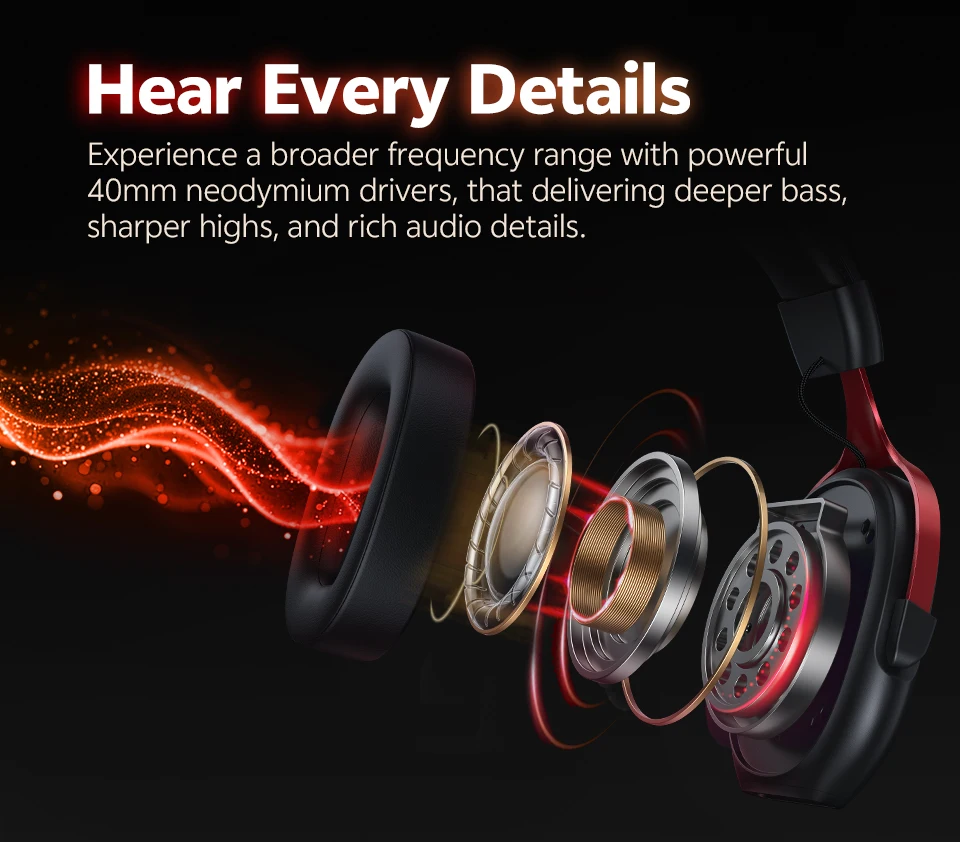
Pro-grade Tuning Sound
The sound profile amplifies crucial audio cues like enemy footsteps and distant gunfire, giving you the tactical edge when it matters most.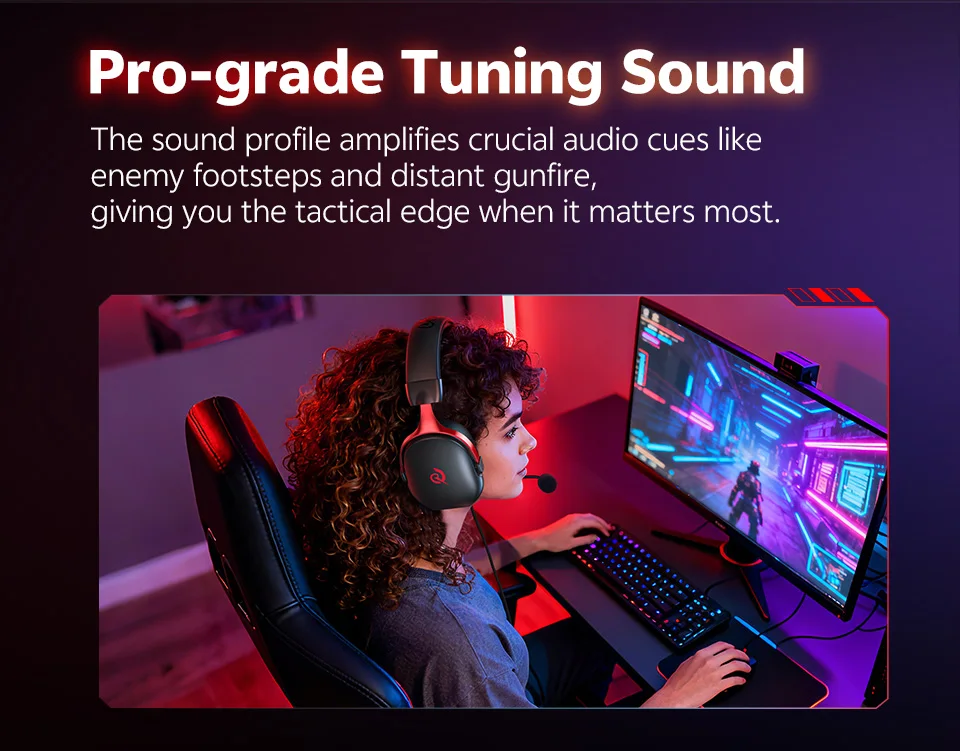
7.1 Virtual Surround Sound
Creates a three-dimensional soundscape, allowing you to perceive the precise location of in-game sounds from all directions, not just left and right.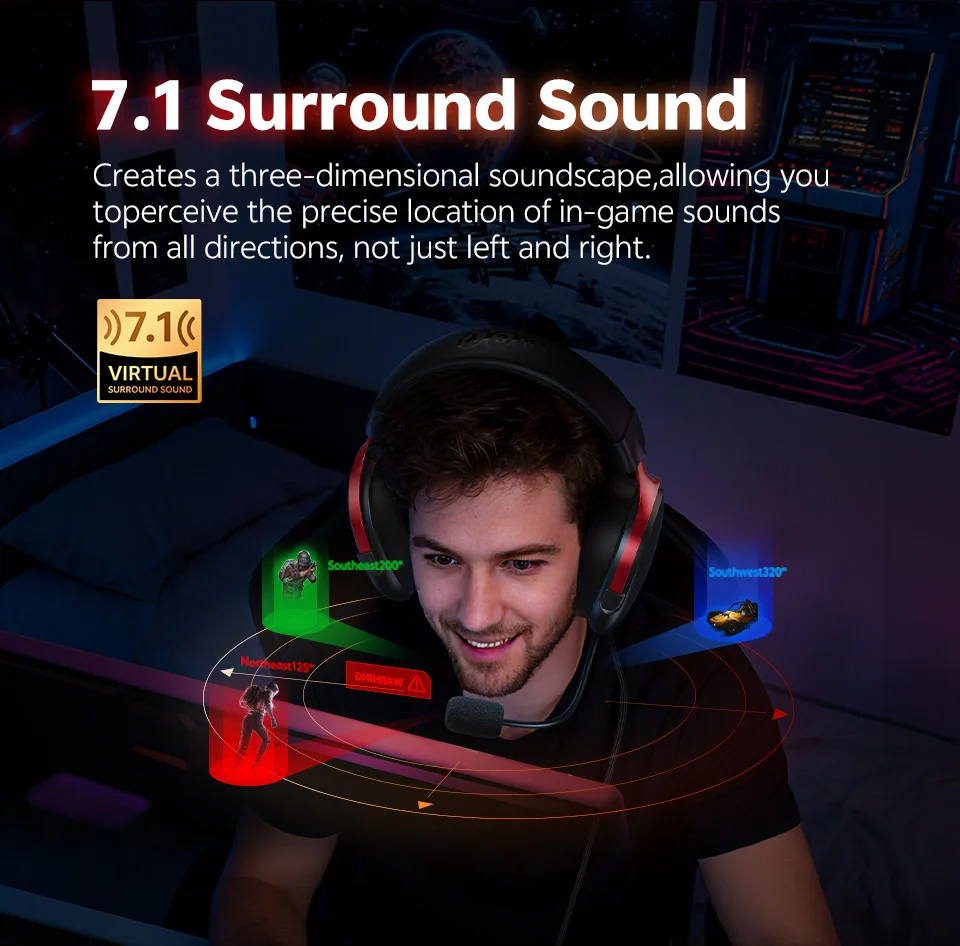
Custom Sound Effect Software
Customize your gaming audio on PC, from immersive sound effects to EQ tuning, get the setup that suits your style.
*Note: Please visit the QCY Official website and download "VN200 Pro PC Driver", it's compatible with Windows 10/11 operating systems but only supported on Windows systems.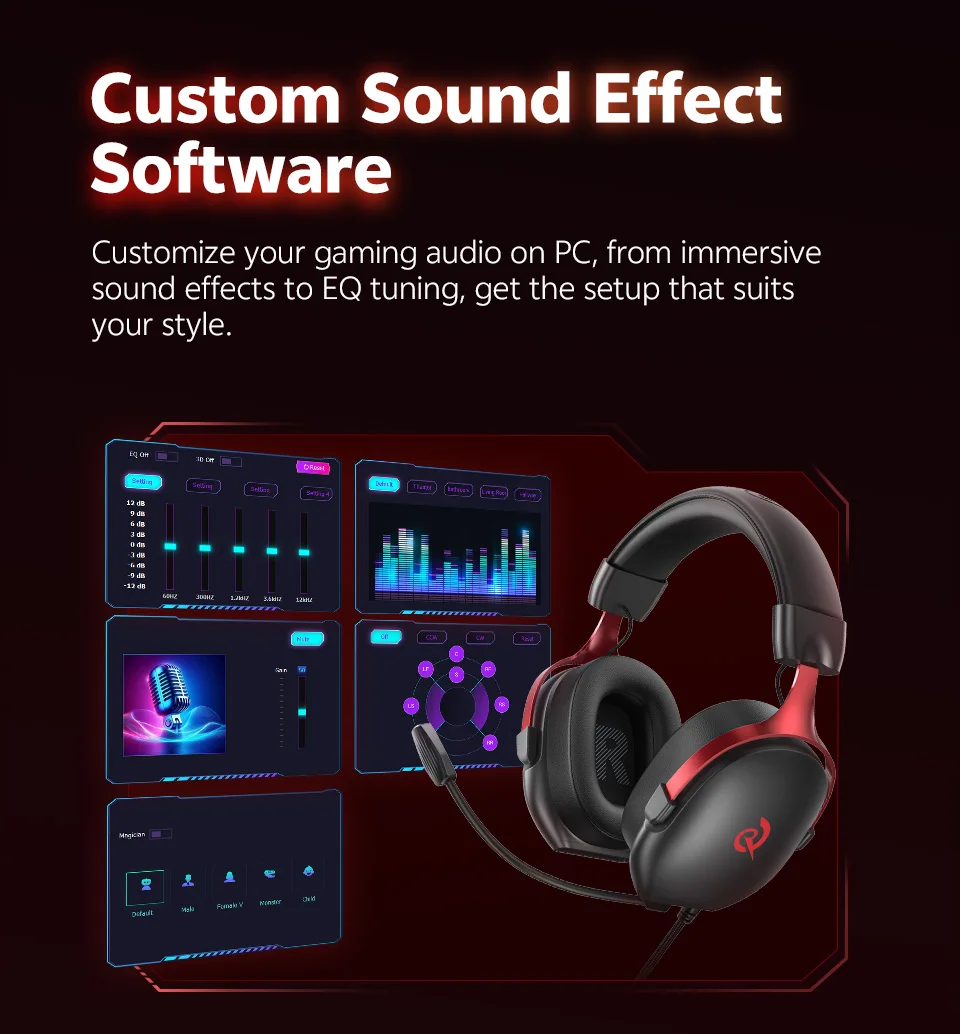
Ergonomic Design for All-Day Comfort
Thicker Headband Cushion
Soft & Breathable Earcup
Adjustable Headband
Durable Full Metal Frame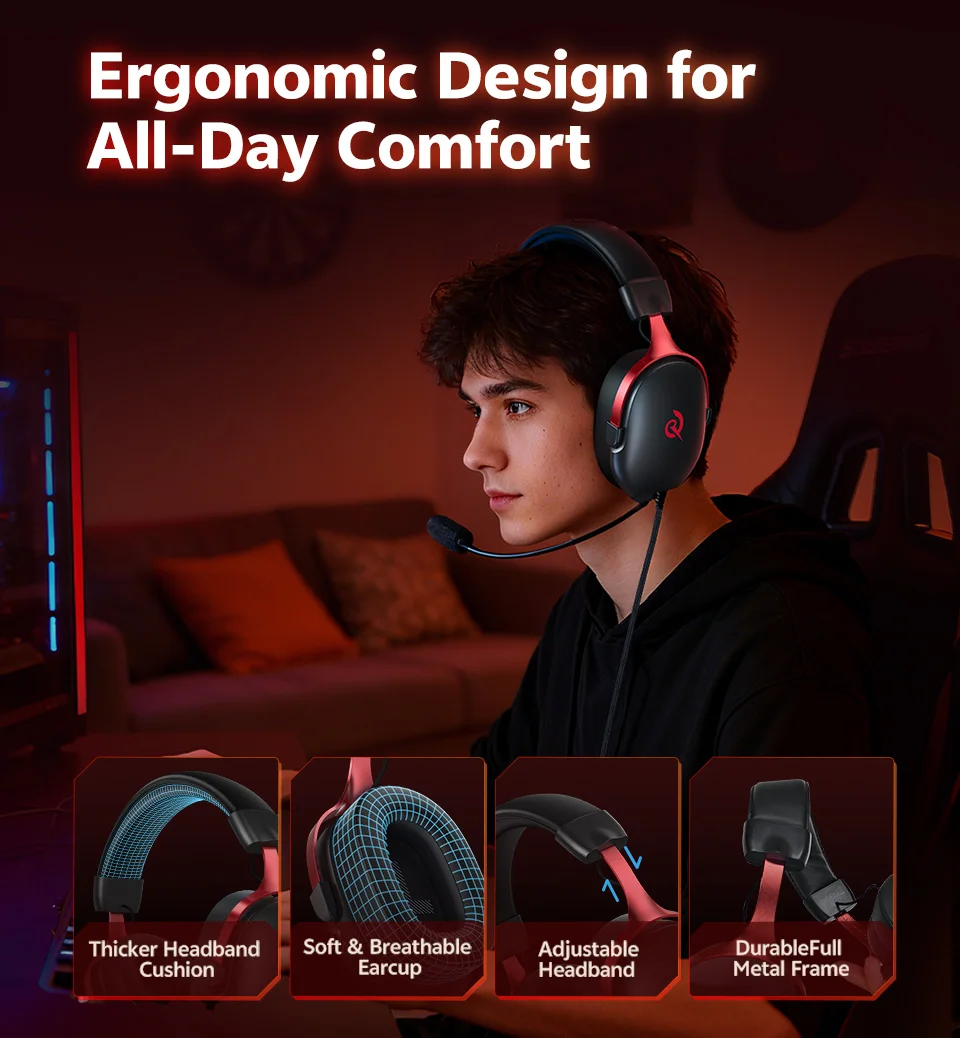
Coordinate with your team flawlessly
Our high-sensitivity Microphone focuses on your voice and filters out distracting background noise, ensuring your callouts are always crisp and clear.
Rotatable Microphone
Toggle to Mute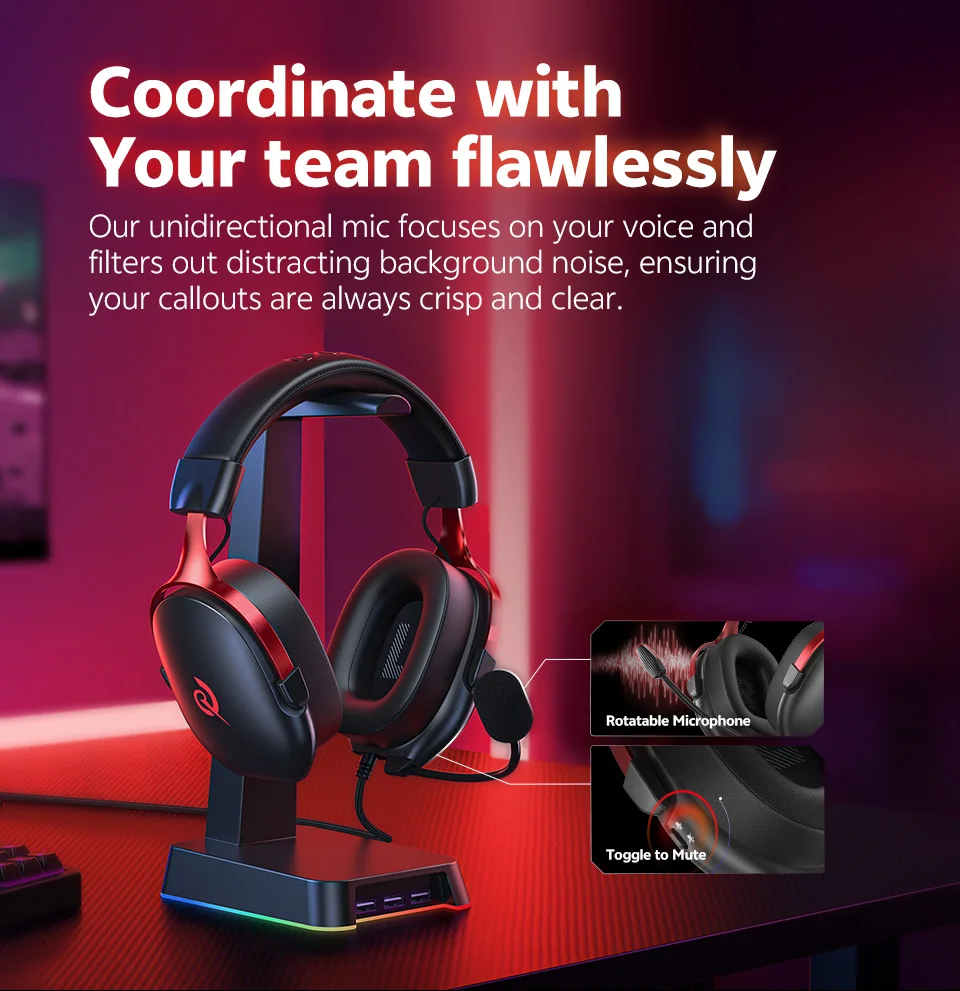
Multi-Platform Support
Seamlessly connect via USB-A wired connection, fully compatible with PC, laptops, and gaming consoles like PS4/PS5.
*Note: Please visit the QCY Official website and download "VN200 Pro PC Driver", it's compatible with Windows 10/11 operating systems but only supported on Windows systems.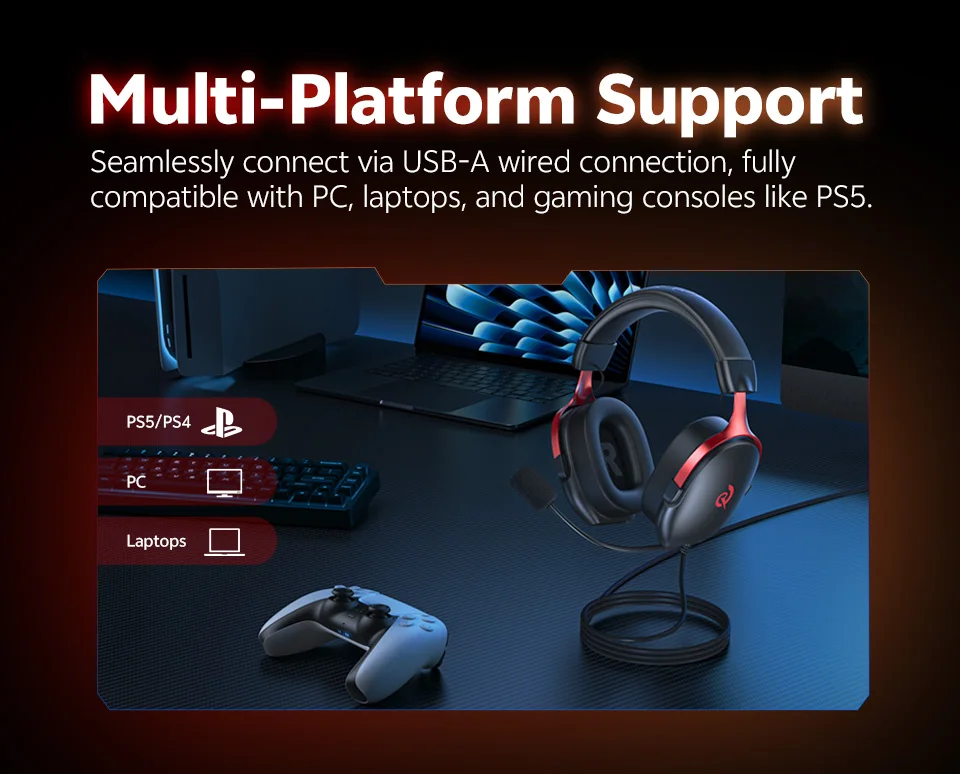
Button Instructions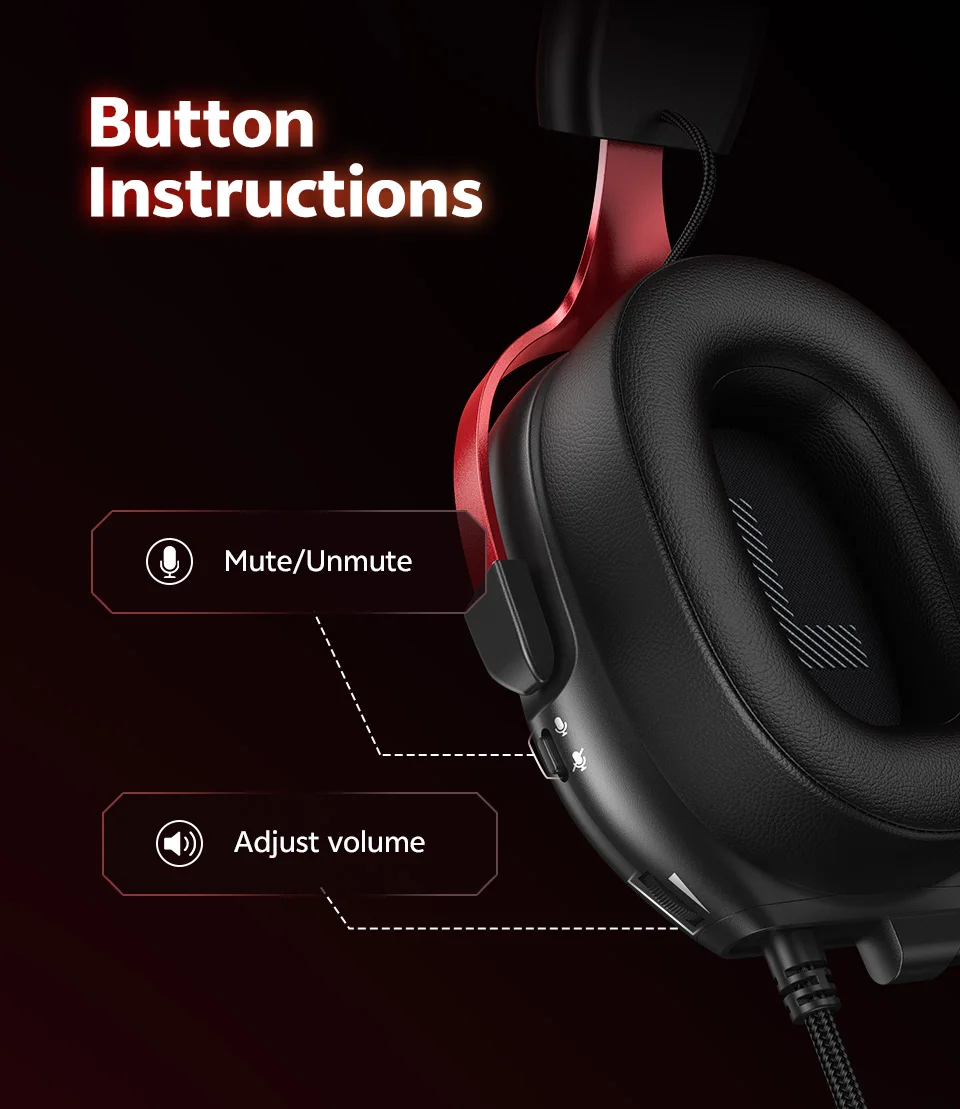
What's in the box:
USB-A Wired Headphones *1
User Manual *1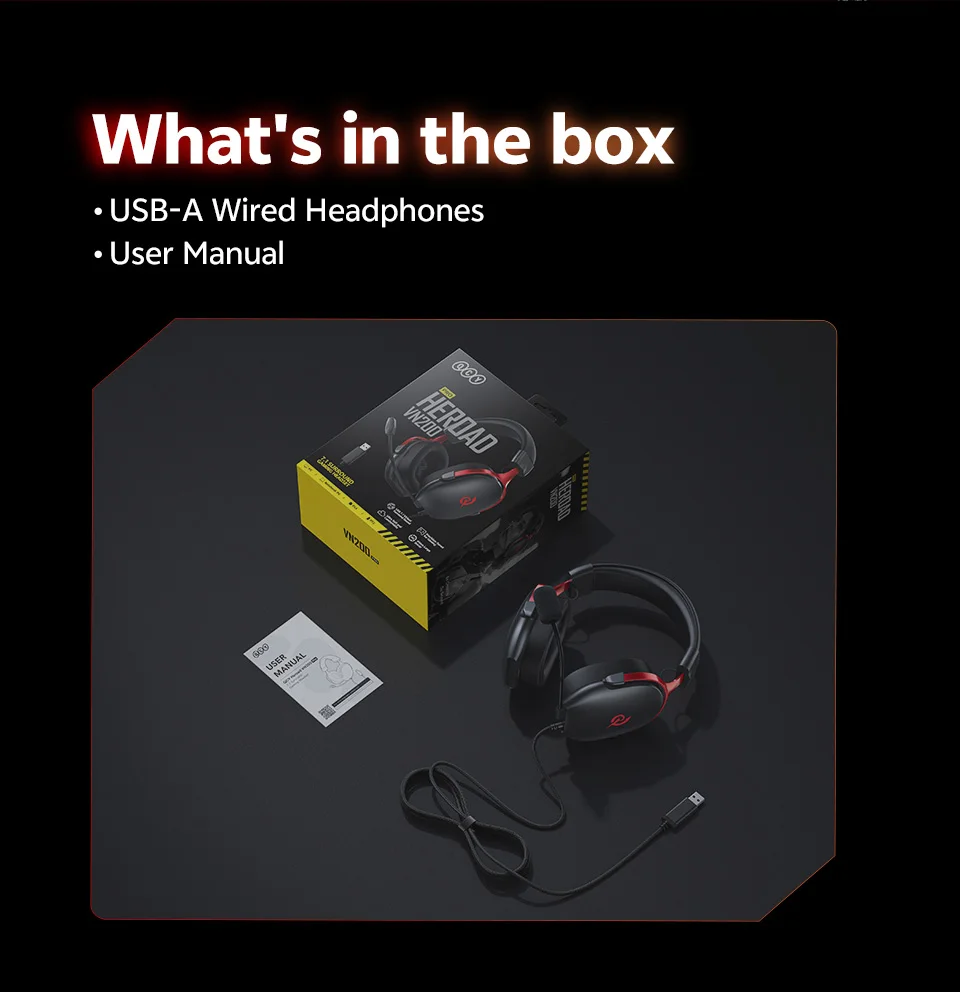
Specification:
Product Name:QCY VN200 PRO
Drive unit: φ40mm dynamic driver
Connectivity: USB-A
Sensitivity: 110dB±3dB
Impedance: 32Ω
Frequency response: 20Hz-20KHz
Sound Effect: 7.1 Surround Sound
Cable Length: 2.2m
Weight: 289g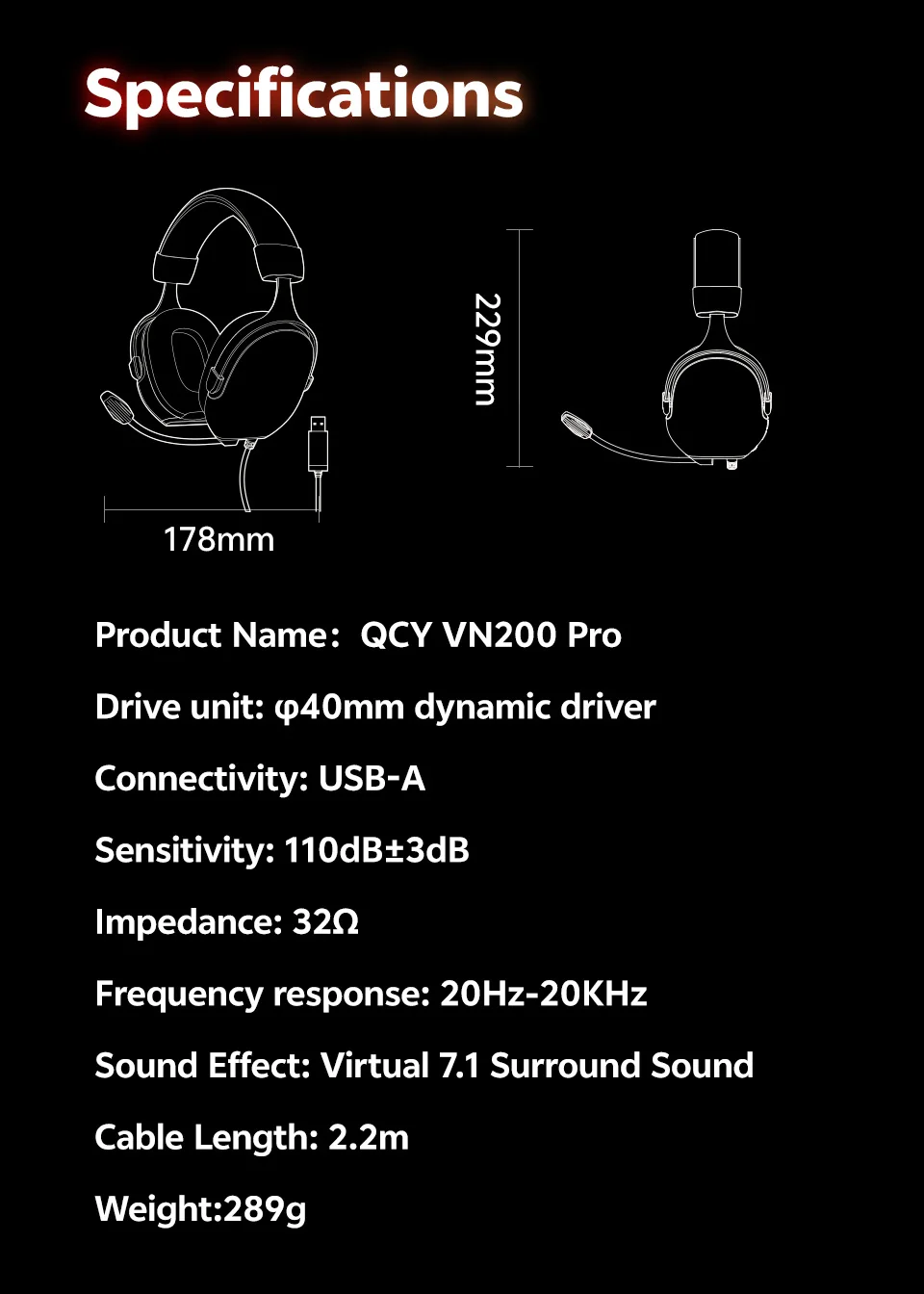
FAQ:
Q:What should I do if the headset received unable to turn on?
A:Confirm that the over ear headset has power left (press the power button and check LED light is illuminated).
If headset power off,please connect the headset with your included USB cable and plug it into a USB power source for charging.
Q:How to solve the problem that the mobile phone prompts that it cannot connect?
A:Delete the pairing record on the mobile phone, and then search for pairing and connect again.
Q:How to solve the problem that there is no sound when listening to music or calling?
A: There is a settings icon on the right side of the Bluetooth connection name on Android phones. Click to enter, turn off the mobile phone audio and media audio, and then turn them on again. If there is still no sound, please re-pair the earphones with the mobile phone.
Q: Why is there a delay in video or games?
A: Affected by factors such as the use environment, network, and mobile phone Codec, there will be different degrees of delay when the mobile phone transmits audio data to the earphone.
Q: How to solve the problem of stuck or intermittent sound?
A:If there are a lot of Wi-Fi, 5G and 4G signals, high-power electrical appliances around, it may cause stuck and intermittent sound. Please Change the environment or re-pairing can solve the problem.
Q: How do I update the version of my headphones?
A: Application: Device,Settings,Firmware Upgrade. If it prompts that the upgrade cannot be made, it indicates that it is already the latest version.
Q: The headphones can't connect to the APP?
A: You can set the language of the application to English before connecting the headphones.
Other Tips:
1. Before using the earbuds, please read the manual carefully and keep it for future references.
2. The earbuds need to be fully charged prior to first-time use.
3. lf the earbuds are left unused for over two weeks, please recharge.
4. Please use the chargers made by qualified manufacturer.
5. lf earbuds fail to be found by phone, please re-turn them connectable or restore factory settings.
6.lf a program error of phone occurs, please turn off and on Bluetooth function or reboot the phone.